

The configuration boundary
The snapshot is the important boundary. Editing a prompt, switching a model, or changing an assignment does not rewrite an objective that already exists. The objective continues with the selected variation as it looked when creation succeeded.
Draft, published, and archived
Agents move through explicit lifecycle states:
An agent needs at least one variation before it can be published. Publishing does not select a default variation permanently. Selection happens separately for every objective.
How a variation is selected
WhenvariationId is omitted from objective creation, the agent’s Variation Selection mode chooses a variation:
- Random gives every current variation equal probability.
- Feedback Driven uses Thompson Sampling. Each variation starts with the same uniform prior. Feedback on completed runs updates its Beta posterior, and each future objective samples once from every variation and chooses the highest draw.
variationId pins a specific variation and overrides the agent’s selection mode for that objective.
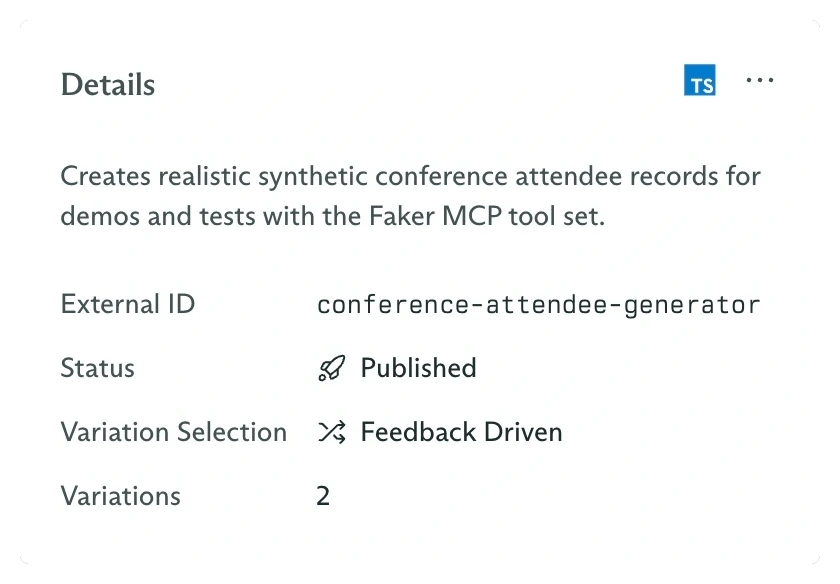
Selection mode belongs to the agent while candidates remain separate variations
Assignments are variation-specific
A variation can receive four kinds of capability:- An individual tool.
- A complete tool set.
- Another published agent, exposed as a sub-agent tool.
- One or more memory layers in a precedence-ordered cascade.
Create and publish an agent
Build the smallest complete agent through the dashboard.
Configure variations
Add candidate configurations and choose Random or Feedback Driven selection.
Assign capabilities
Attach tools, tool sets, sub-agents, and memory layers.
Optimize with feedback
See how an objective score changes the samples used by future objectives.