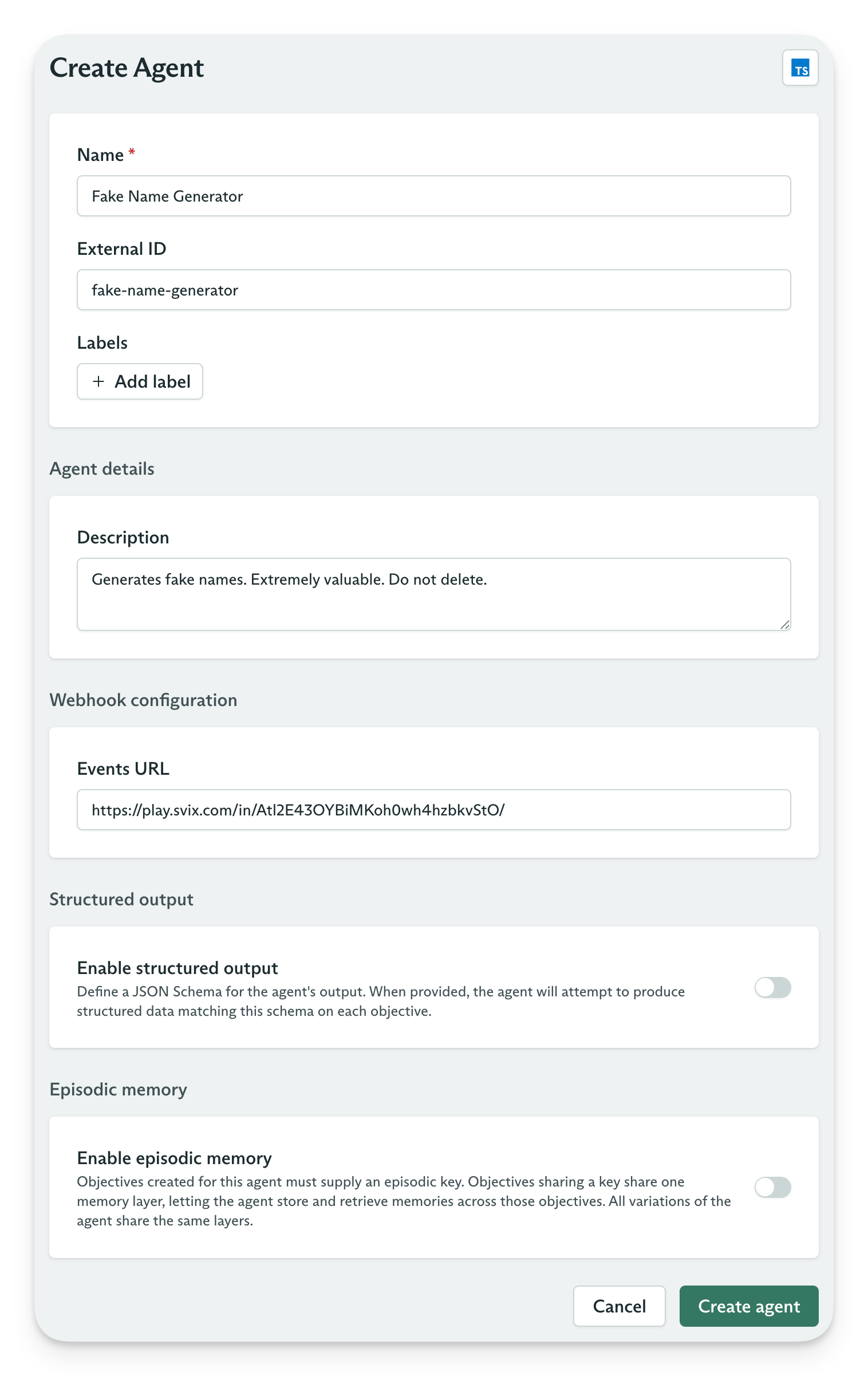
Create an agent form
Agent settings
An agent is a lightweight container for one or more Agent Variations. The agent itself holds a few settings worth understanding before you configure its variations.Use an external ID
When you integrate with the Cadenya API, you can identify an agent by its Cadenya ID, such asagent_01M0EAKDT9ENHRAZZFQ4HVN3AY, or by an externalId. Use an external ID when you have one. It can be anything you want. As long as it’s alphanumeric. Ok so maybe not anything you want.
An external ID lets your API calls use an identifier from your own system, so you do not need to store Cadenya’s generated ID. Set the external ID when you create the agent, then use the same value in later requests.
Without an external ID:
Variations
Cadenya is designed to make switching between models, prompts, and tools easy with variations. Because your code and widgets are pointed at an “Agent” - Cadenya can then select which Variation to run on your behalf. You can, of course, provide an agent variation ID, too.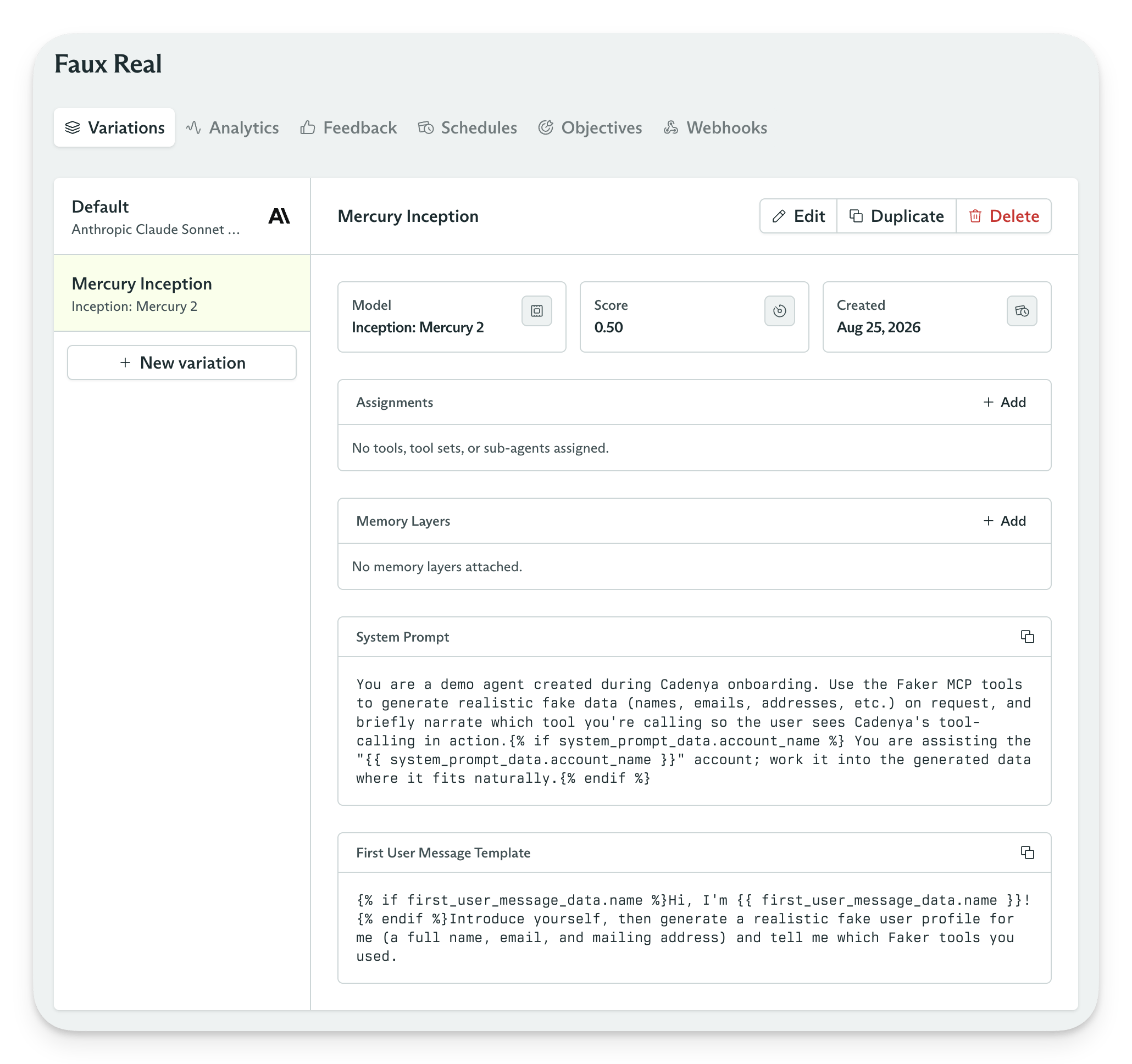
Agents variations
Model Selection
Variations are where you select which model to use for a given agent. Depending on the AI Provider’s configured in your workspace, you may have access to multiple models.Prompts
There are two prompts you have control over:- System Prompt
- First User Message Prompt
Structured Prompt Data
Your prompts have access to the objective’ssystemPromptData and firstUserMessageData keys that can store arbitrary JSON objects. This feature is useful when you want to provide structured data to your objective, and manage the prompt rendering in Cadenya. For example, you can write a prompt like:
Assigning Tools
Variations can have Tool Sets, individual tools, and even other Agents assigned as tools. When an objective is dispatched for the agent, all of the tools assigned in the variation are loaded into the context for the LLM to use. That is, unless of course, you enable Progressive Discvoery. If you’ve read the Tool Sets guide, you know about Cadenya’s ability to filter tools with simple conditions. When a tool set is assigned to a variation, only the available tools are loaded into the objective. This helps manage context windows by reducing unnecessary input tokens.Receive webhooks
Set a webhook endpoint on an agent to receive every event from its objectives. Cadenya sends events such asTool Called and Approval Requested to the configured endpoint.
Signing and verification
Cadenya webhooks follow the Standard Webhooks specification. Each Cadenya SDK provides methods to verify and unwrap an incoming webhook. Find your HMAC secret in Account Admin.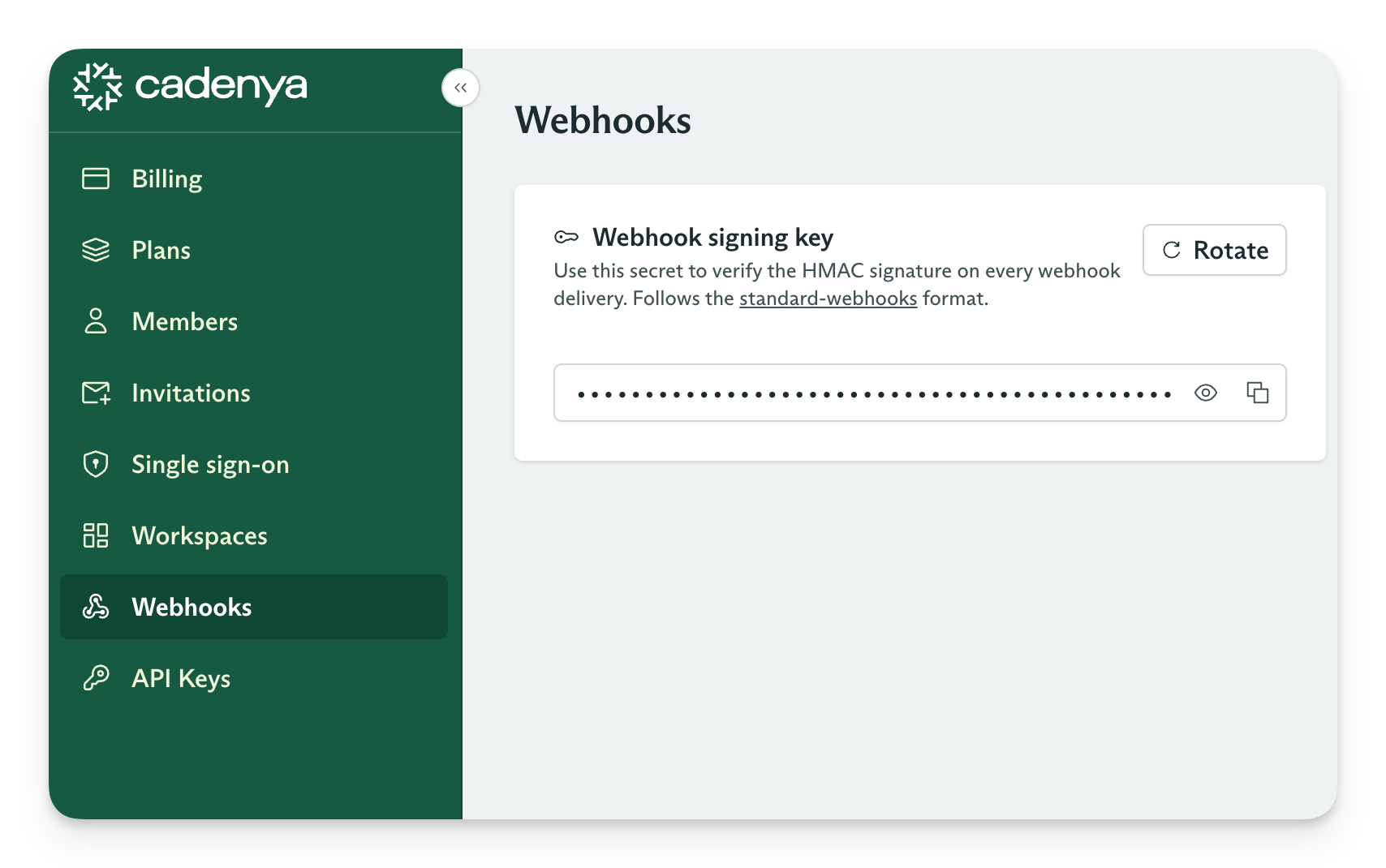
Webhook configuration
Example events
Webhook events include:objective_event.user_message: Cadenya sends this event when an objective receives its first user message or a later user message.objective_event.tool_called: Cadenya sends this event when an objective calls a tool.objective_event.tool_approval_requested: Cadenya sends this event when a tool call requires approval.
Structured output
Extraction
Use structured output for agents with one purpose: return a JSON object to your application. It works well for classification, extraction, and other structured-data tasks. Cadenya stores the output on the objective so you can retrieve it through the API without callbacks or tools.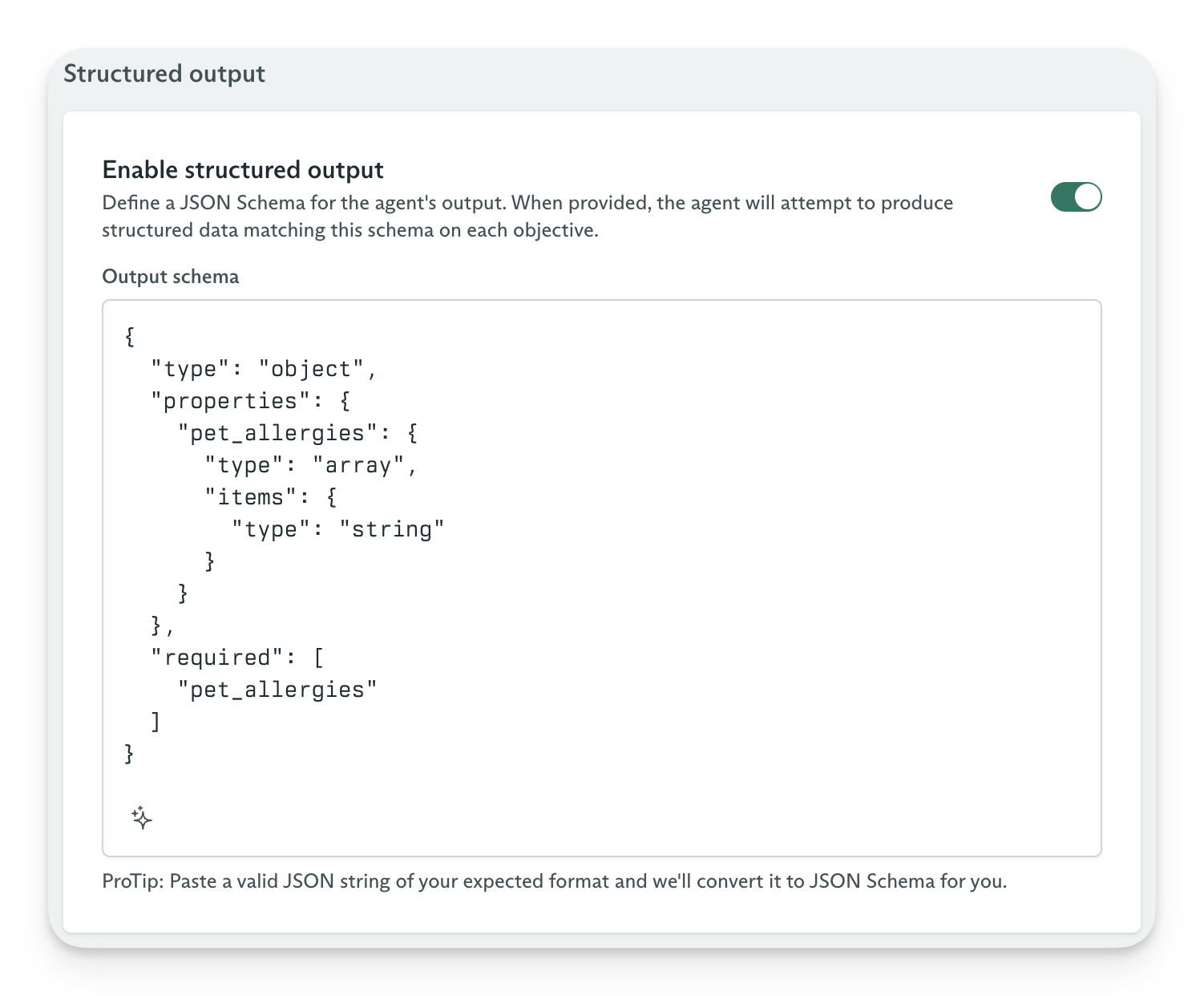
Structured output
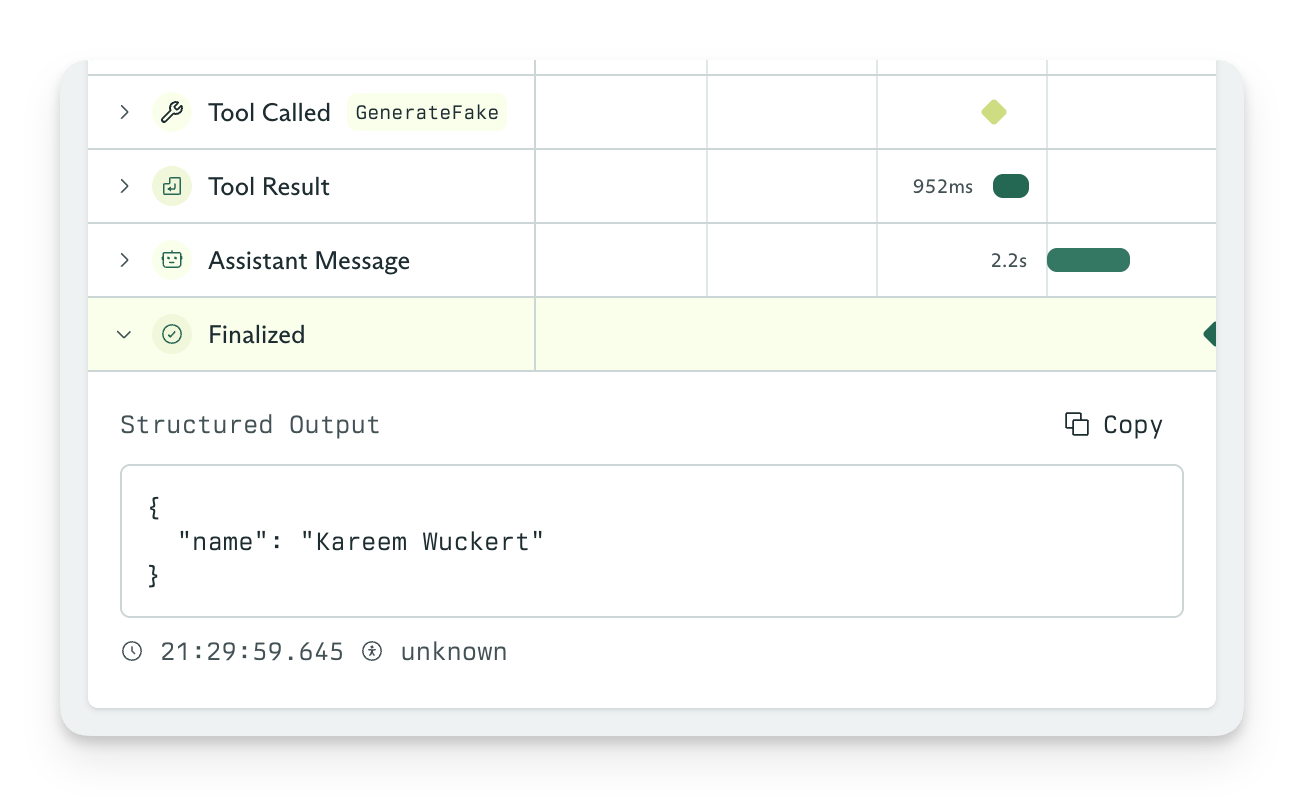
STATE_FINALIZED state.
Structured output
Retrieve output
After an objective reachesSTATE_FINALIZED, its result appears in the objective record’s output field. Use the Retrieve Objective API with your API key to access it from your code.
Episodic memory
Agent amnesia, begone.How it works
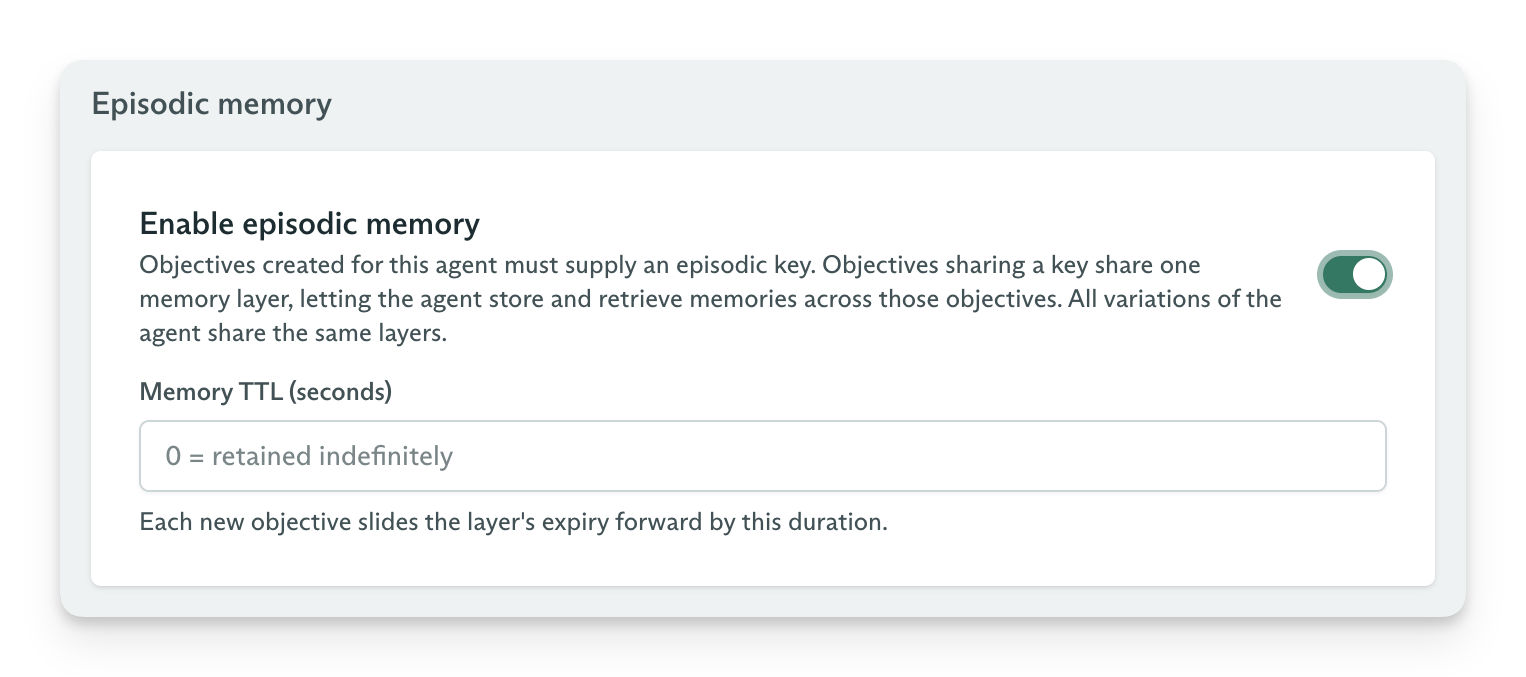
episodic_key. Cadenya stores those entries in a system-managed Memory Layer. Your Agent Variation’s system prompt influences which memories the agent creates or skips.
You can set a time to live (TTL) for episodic memory. Each new objective with the same key moves the expiration time forward.
For example, you might create an objective with an episodic key like so:
How an agent remembers
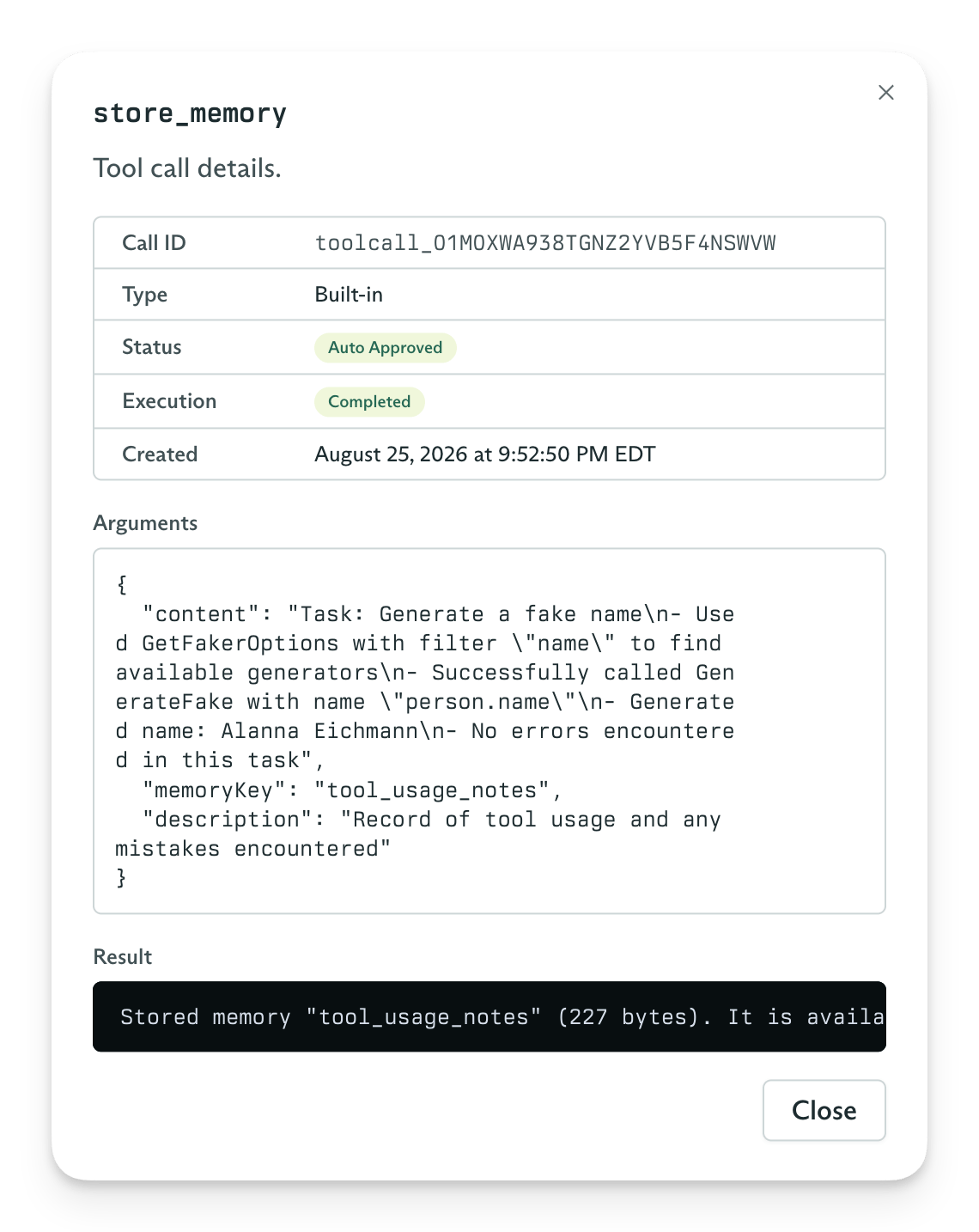
When you enable episodic memory, Cadenya gives your agent the built-instore_memory, get_memory, and search_memory tools. The agent stores entries in the Memory Layer for the episodic key and reads them on demand through the memory cascade. You can see calls to store_memory in an objective’s event log, like any other tool call.