
Get to know Cadenya
We’re developers who love to build. We set out to create a yes-code platform that makes building agents feel like the best parts of building software.
October Changelog
Changelog
Over the last few weeks, Cadenya shipped a handful of updates that make running agents in production easier. This changelog rounds them up in one place. Let’s review.
Auto Mode
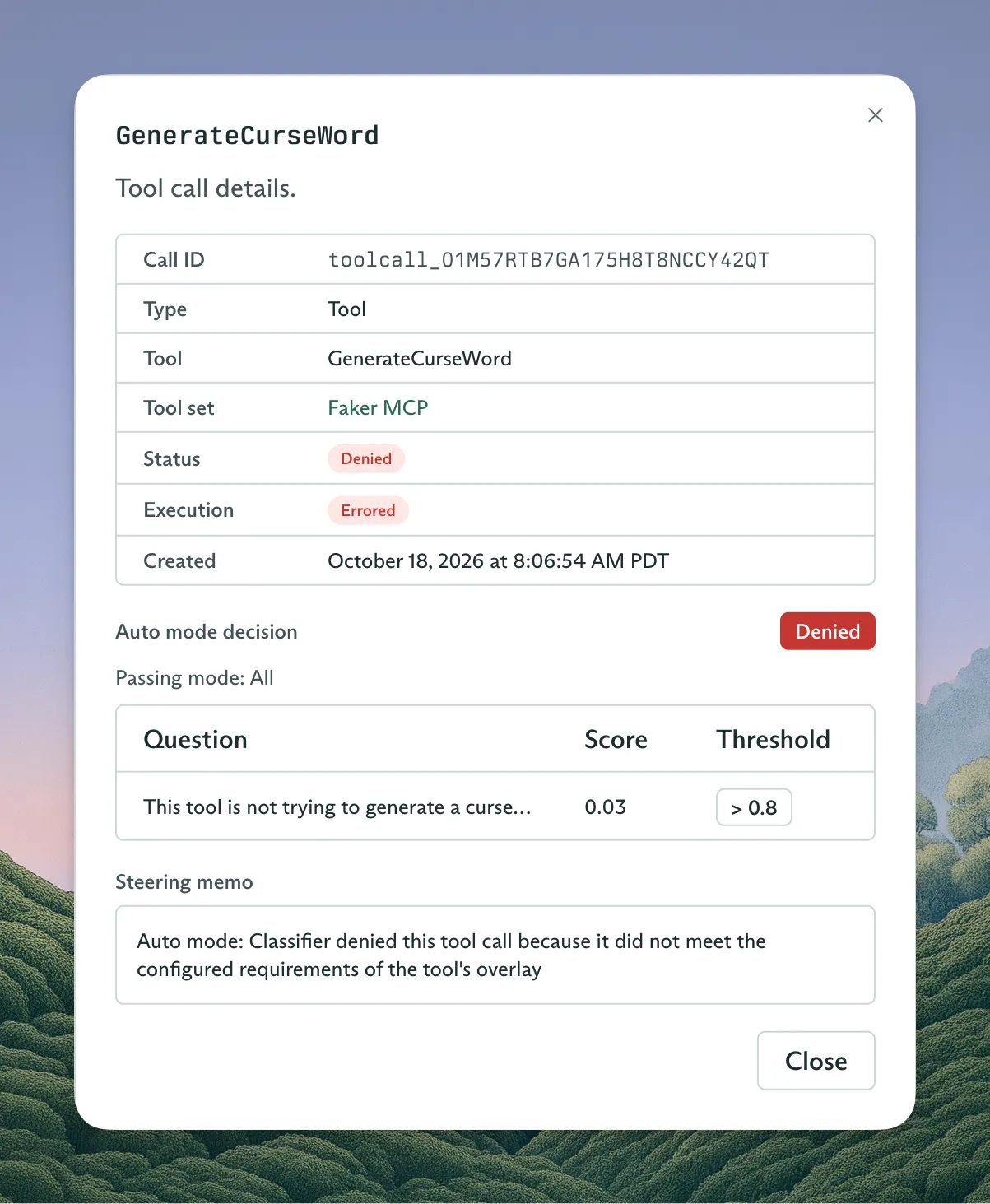
Tool calls in Cadenya have always had an “approval required” behavior that would park an agent and wait for an API call or decision from a human operator. But it required integrating with the decision endpoint in our API. No more!
Now you can define decision criteria that let a tool call proceed on its own. Typesafe.ai powers the classification, so it’s lightning fast. You define criteria on a Tool Set, and they apply to every tool in it, or only to the tools that match a name or receive a given parameter.
Tenants and Memory Layers
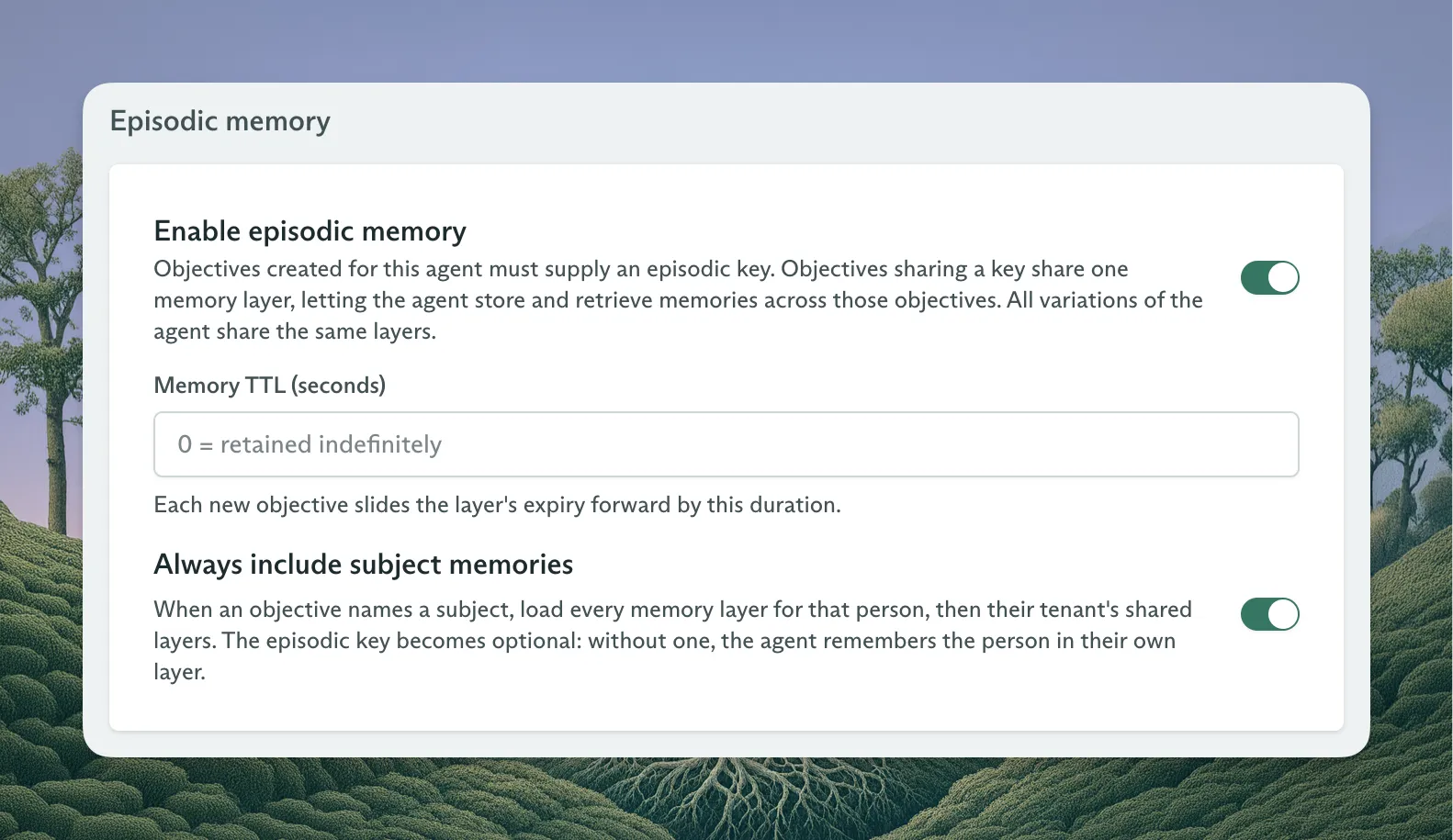
Cadenya’s Tenant and Subject tags are an excellent way to keep agent objectives apart from one another, and they feed straight into analytics. But you had to attach memory by hand every time you created an objective for a tenant and subject. Now you can create memory layers (and the entries in them) for a tenant, or for one subject within it. Turn on alwaysIncludeSubjectMemories for an agent (it requires episodic memory, too), and every objective that asserts a subject loads that subject’s layers, followed by the tenant’s shared ones.
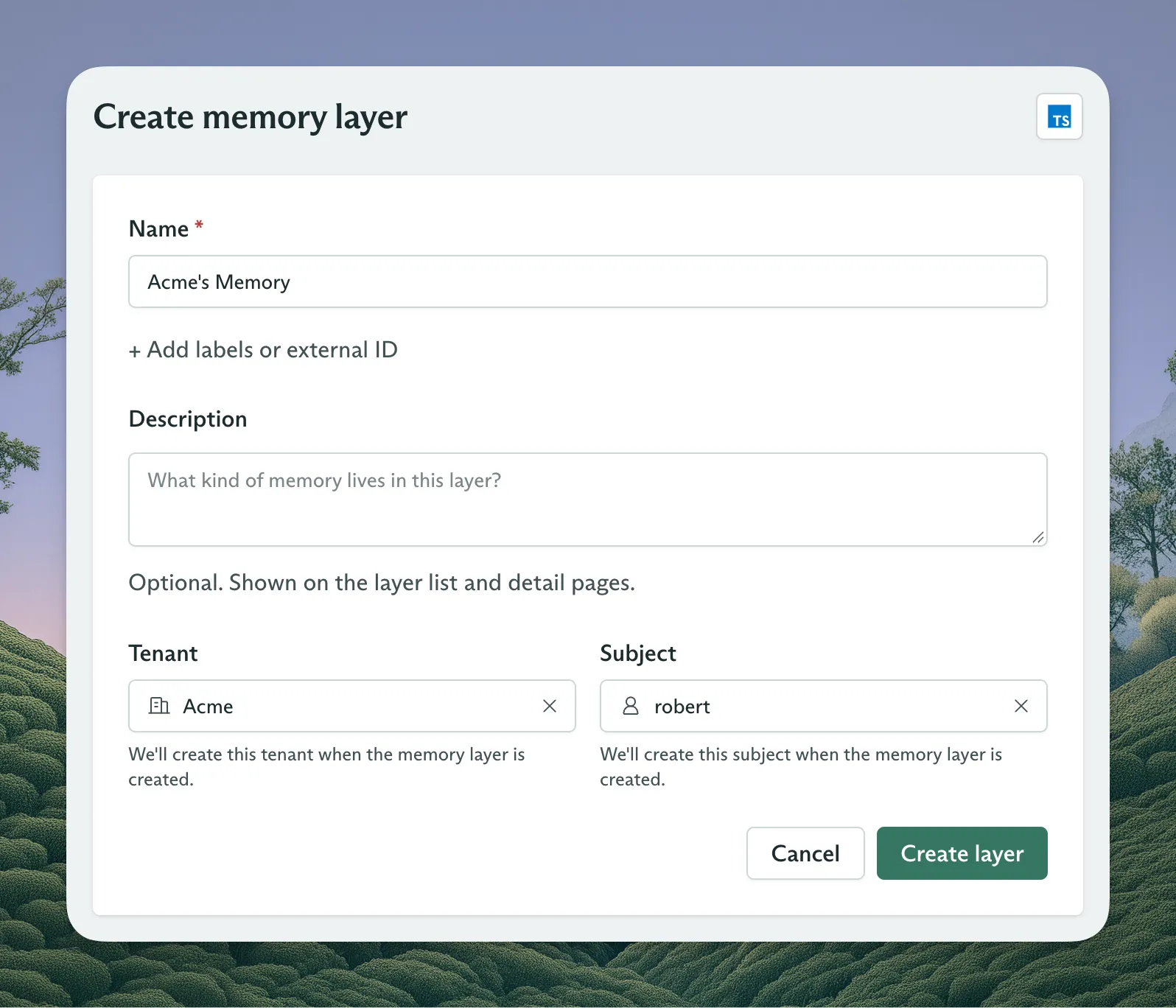
To scope a layer, pass tenant, and optionally subject, when you create it:
const layer = await client.memoryLayers.create({
  metadata: { name: 'tom-order-preferences' },
  spec: {
    type: 'MEMORY_LAYER_TYPE_SKILLS',
    description: 'How Tom likes his shoe orders handled',
  },
  tenant: { id: 'bluebird-shoes', name: 'Bluebird Shoes' },
  subject: { id: 'user_8842', name: 'Tom' },
});
Leave out subject, and the layer applies to everyone in the tenant. Cadenya creates the tenant and subject records if they don’t exist yet, so you can set up memory before a customer’s first objective.
Queued Messages
You can continue and steer an objective with the continue endpoint. But you could only send that request while the agent wasn’t in the middle of its loop. Now Cadenya queues messages for a busy objective and adds them to the chat history before the agent’s next turn. You can also pull a message out of the queue, in case a user mistypes it.
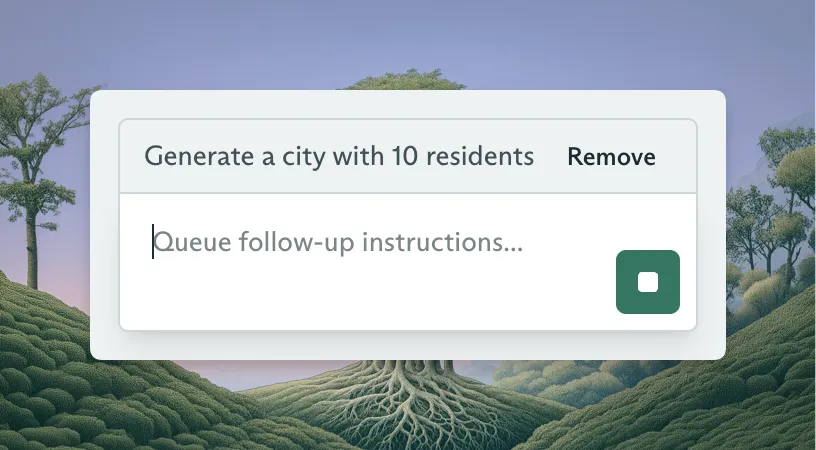
To queue a message, set enqueue to true:
import Cadenya from '@cadenya/cadenya';

const client = new Cadenya();
const result = await client.objectives.continue('objective_123', {
  message: "sample",
  enqueue: true
});
To see what’s waiting, list the objective’s queued actions. Then remove the one you don’t want:
const queued = await client.objectives.listQueuedActions('objective_123', {
  state: 'STATE_QUEUED',
});

for await (const action of queued) {
  if (action.data.type === 'userMessage') {
    console.log(action.metadata.id, action.data.userMessage.content);
  }
}

await client.objectives.removeQueuedAction('objective_123', {
  queuedActionId: 'queued_action_123',
});
A removed message never reaches the agent. It stays in the list with the STATE_REMOVED state, so you still have a record of it.
Tool Set Templates
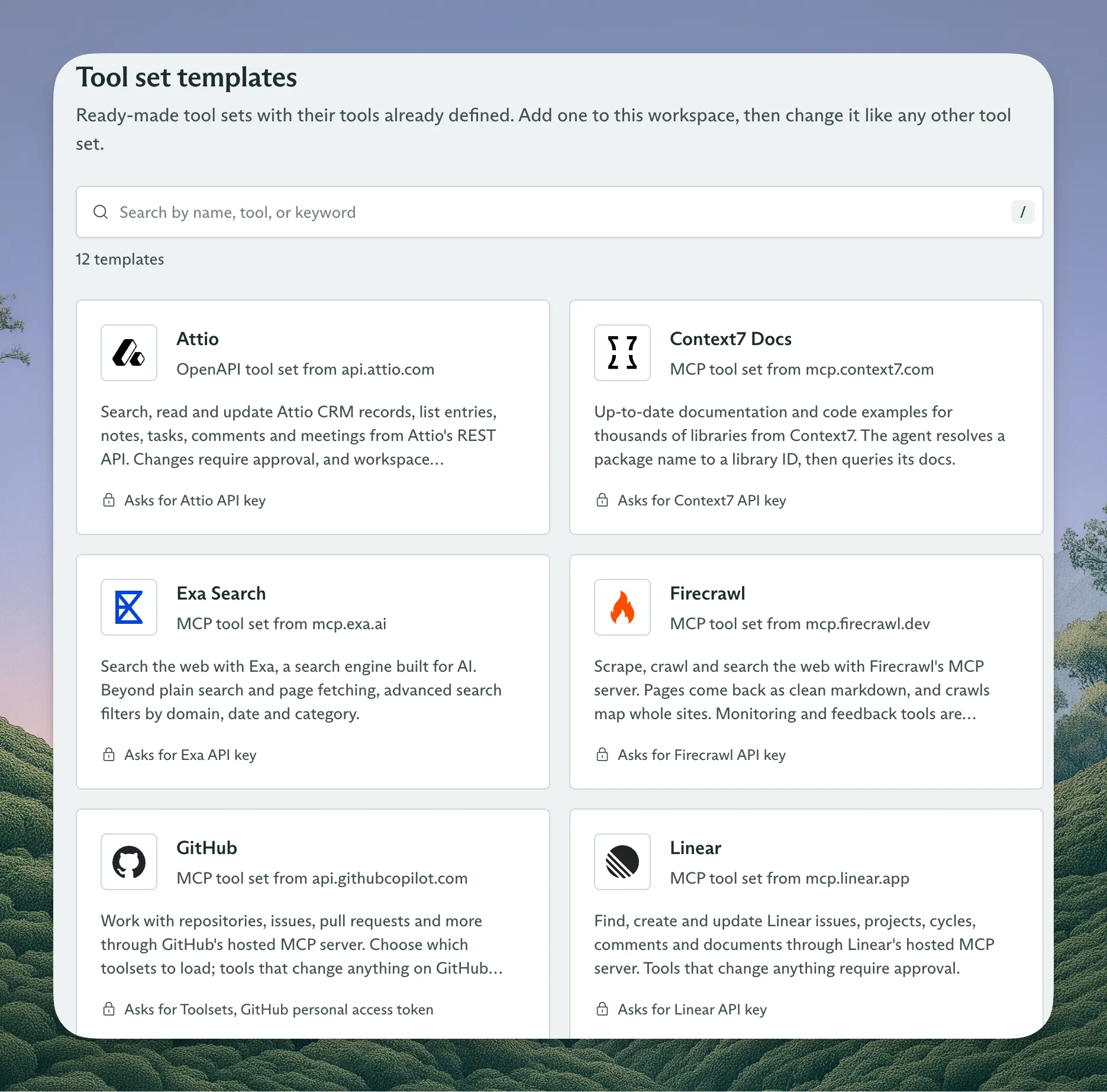
It’s hard to picture what a tool set can do when the possibilities feel endless. So Cadenya now ships with tool set templates for popular products that expose an API or an MCP server.
Grow wherever AI goes next.
Start shipping agents that are equipped to evolve.